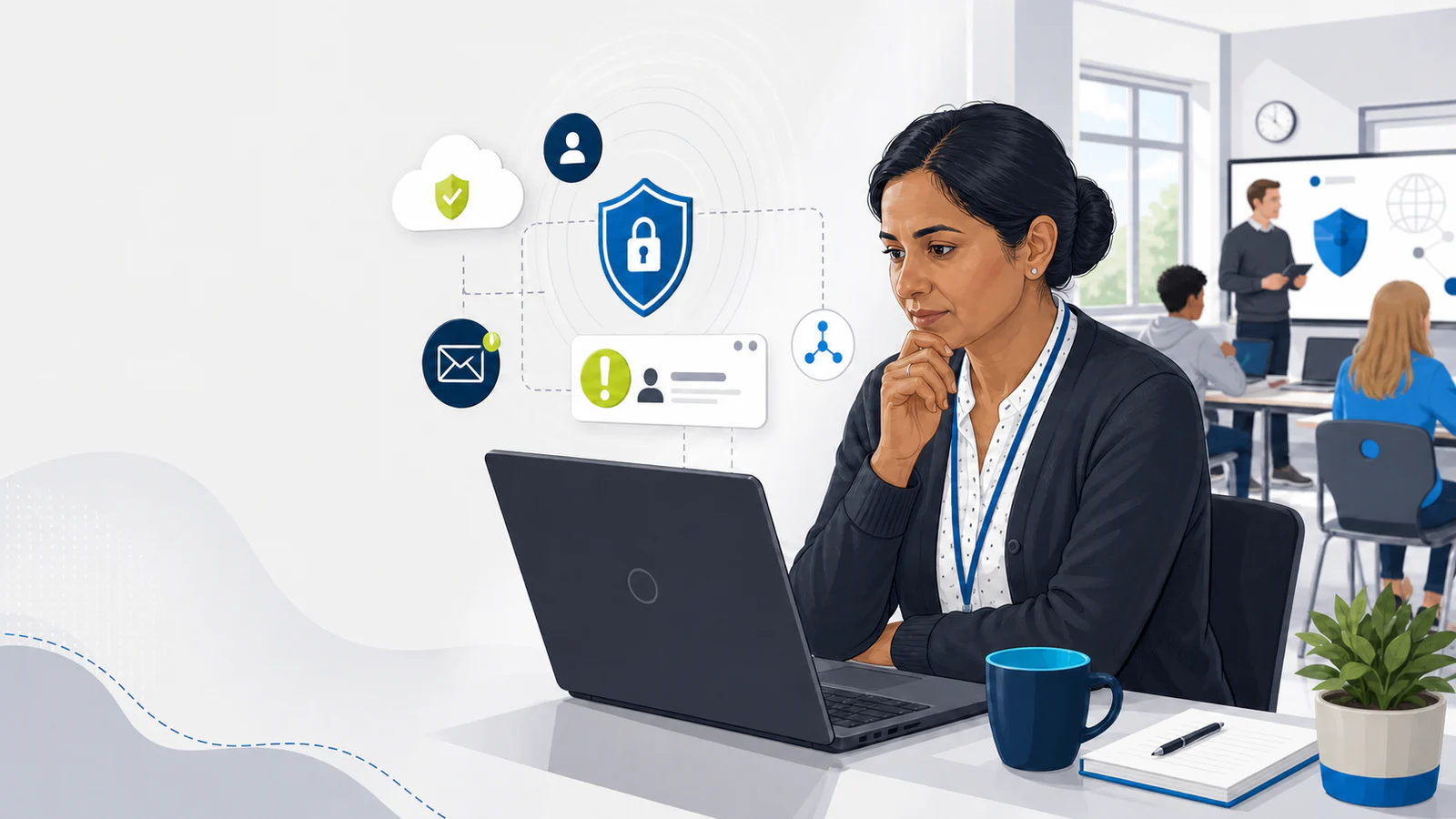
Protecting schools, colleges, learners and education services
Start without entering any personal details. If you want a completion certificate, you can add your name at the end.
No learner data or results are sent to CompTech. With functional cookies accepted, progress is saved on this browser for up to 180 days without your name. Otherwise it lasts only in this open session. Progress does not sync across devices.
Welcome back. Your progress on this browser has been restored.
Course progress is not being saved between visits. You can continue and earn a certificate in this session, but progress will be lost when this page closes or refreshes.
Cyber security in education
Learning, safety and operations depend on secure systems
Schools and colleges hold valuable personal, safeguarding, special educational needs and disabilities (SEND), health, family, workforce and financial information. They also depend on cloud platforms, email, management information systems (MIS), filtering, telephony and connected devices.
Attackers exploit busy staff, large user populations, shared services and time-critical processes. A compromised account or ransomware incident can disrupt registers, safeguarding access, teaching, exams and communication.
Module 1
Why education is targeted
Cyber terms in plain English
Common ways attacks begin
Cyber security means protecting devices, accounts, services, networks and information from unauthorised access, damage, theft or disruption.
Phishing
A deceptive message designed to make someone reveal information, open a harmful attachment, visit a fake website or take another unsafe action. It may arrive by email, text, social media or collaboration tools.
Social engineering
Manipulating people rather than directly breaking technology. Attackers may use authority, urgency, fear, curiosity or helpfulness to influence a decision.
Malware
Malicious software designed to damage, disrupt, spy on or gain unauthorised access to a device or service. It includes several types of harmful software, not just computer viruses.
Ransomware
A type of malware or attack that blocks access to systems or data, often using encryption, while criminals demand payment. Attackers may also steal information and threaten to publish it.
Phishing is a method of deception; malware is harmful software. A phishing message may deliver malware, steal a password without malware, or begin a wider ransomware incident.
Complete the required activity on this lesson before continuing.
Cyber terms in plain English
Accounts, incidents and recovery
Account takeover
Someone gains unauthorised control of an account, often using a stolen password, session or approval. They may read information, change settings or impersonate the real user.
Multi-factor authentication (MFA)
Signing in with two or more different factors, such as a password plus an app approval or security key. MFA adds protection, but an unexpected prompt must be denied and reported.
Backup
A separate recoverable copy of information or systems. Backups must be protected, tested and available when the main service is damaged; syncing alone is not necessarily a backup.
Cyber incident and personal data breach
A cyber incident affects the security or operation of technology. A personal data breach involves personal data being lost, changed, destroyed, accessed or disclosed without authorisation. One event may be both.
You do not need to diagnose an attack before reporting it. Report unusual messages, prompts, access, loss or disruption promptly through your organisation's route.
Complete the required activity on this lesson before continuing.
Common education threats
Recognise how incidents begin
Incidents often begin in familiar school systems or trusted relationships. Read each example so you know what may need an immediate report.
Account takeover
Fake sign-in pages, stolen passwords, MFA fatigue and compromised accounts can expose email, files and connected services.
Ransomware and disruption
Malware can encrypt or destroy systems and backups, interrupting teaching and essential safeguarding or operational processes.
Data theft and extortion
Children's and staff information may be stolen before systems are disrupted, then used for fraud, coercion or further attacks.
Suppliers and shared services
Attackers may impersonate or compromise trusted suppliers, shared-document notifications, helpdesks and education platforms.
Denial of service
Public-facing services and connectivity can be overwhelmed, particularly during exams, admissions or other critical periods.
Complete the required activity on this lesson before continuing.
Email activity
Spot the fake shared-document alert
Open the sample email, read it, then review the warning signs.
Training only Sample inbox
All addresses and links in this activity are fictional. The email is a safe training example.
Inbox (1)One unread message
Updated safeguarding file shared with you
From: Cloud Documents <notify@sharepoint-secure-login.example> To: Undisclosed staff recipients
Your access expires in 15 minutes. Sign in now to prevent the safeguarding lead's file being deleted.
View protected document
Link destination: secure-office-auth.example (inactive training example)
This message was scanned automatically.
Complete the required activity on this lesson before continuing.
Phishing simulation
Follow a spoofed shared-file link
This is a safe, local simulation. Follow the message to its fake sign-in page, use only the fictional details provided and then examine how the deception works.
Training Safe simulation: never enter a real username or password
Step 1 of 3: inspect the message
Confidential staffing file shared with you
From: Dr Morgan — Headteacher <headteacher@northbridge-college.example>
I need you to review this before today's leadership meeting. The secure link expires in 20 minutes, so please sign in now.
The actual domain was office365-file-access.example.
The domain is the destination
The address ends in office365-file-access.example. Familiar words, a padlock or 'https' do not make a site genuine. Compare the full domain with your organisation's approved sign-in address.
Authority and urgency create pressure
The sender appears to be the headteacher and imposes a short deadline. Attackers use authority, confidentiality and urgency to discourage checking.
The sign-in arrived through an unexpected link
A shared file should be verified by opening the approved platform separately or contacting the sender through a trusted route—not by following the supplied link.
A password manager can provide a warning
An approved password manager may not offer saved credentials on an unfamiliar domain. Stop and check rather than copying or manually entering the password.
The page captured nothing: the form was a local training simulation and accepted only the supplied dummy details. In a real incident, stop, report it immediately and change the password through the approved route if genuine credentials were entered.
Complete the required activity on this lesson before continuing.
Password security in education
Protect every school account with a unique login
School email, safeguarding, management-information, cloud, classroom and administrator accounts can expose different systems and people. Use a different password for every account; one reused password can turn a breach elsewhere into access to school services.
For passwords you must create and remember, the NCSC recommends three random, unrelated words. Avoid names, birthdays, school names, teams, keyboard patterns and predictable substitutions. Where your setting provides an approved password manager, use its generator and secure storage instead of creating or reusing passwords yourself.
use passkeys where the approved service offers them
turn on multi-factor authentication and protect recovery methods
never share a classroom, supply, administrator or service-account password
never approve an unexpected MFA prompt or disclose a one-time code
change a password through the approved service and report immediately if compromise is suspected
Cyber Essentials requires technical protection against guessing and supports long, unique passwords, password managers and MFA. Staff should follow the setting's policy rather than adding predictable symbols or changing passwords on a routine schedule without reason.
Complete the required activity on this lesson before continuing.
First defence
Protect devices and manage access
Protect school-owned and approved personal devices by installing authorised updates promptly, locking screens, using approved software and removable media, and following your setting's rules for connecting to school services.
Use only the access needed for your role. Shared, supply, service and administrator accounts need clear ownership, restricted permissions and review when people or responsibilities change.
Report a lost device, unexpected software, unusual access or a permission that seems too broad through your setting's approved route.
Complete the required activity on this lesson before continuing.
Module 2
A school incident unfolds
Story activity
Monday morning at Northbridge College
Make a decision at each stage. A wrong answer gives you feedback and another chance before you continue.
Cyber awareness
Incident journey completedYou used trusted reporting routes, protected the account and supported a coordinated, non-blaming response. Deliberately continue with Next when you are ready.
Complete the required activity on this lesson before continuing.
Ransomware activity
A device displays a ransom demand
Work through the immediate response and what to do if normal reporting systems are unavailable.
Response steps
Ransomware response completedYou reported early, followed the school's incident arrangements and used approved alternative routes when normal systems were unavailable.
Do not pay, negotiate, wipe or investigate alone. Use the school's approved incident route, including its alternative route when normal systems are unavailable.
Complete the required activity on this lesson before continuing.
Resilience
Reduce impact before an incident
The response is stronger when responsibilities and recovery arrangements are clear before disruption begins.
Backups
Maintain tested backups appropriate to the setting, including offline copies where required. Recovery must be practised, not assumed.
Incident plan
Make reporting routes, decision-makers, supplier contacts, communications and recovery priorities clear before a crisis.
Least privilege
Limit administrator access and review accounts promptly when roles change or people leave.
Suppliers
Understand dependencies, security responsibilities, support routes and what happens if a provider is unavailable or compromised.
Complete the required activity on this lesson before continuing.
Safeguarding and data
Cyber incidents can become safeguarding incidents
Report lost access to safeguarding systems, exposure of children's information, harmful messages sent from compromised accounts and suspicious access promptly through both cyber and safeguarding routes where relevant.
Do not circulate exposed material to prove an incident. Preserve necessary information using the authorised process and involve the data protection officer (DPO) or data lead when personal data may be affected.
Complete the required activity on this lesson before continuing.
Module 3
National Cyber Security Centre training
Risk Protection Arrangement
Education cyber-cover conditions
For eligible public-sector schools, the Department for Education (DfE) Risk Protection Arrangement (RPA) cyber-cover conditions include offline backups, completing National Cyber Security Centre (NCSC) training, Police CyberAlarm registration and a cyber response plan.
For eligible RPA members, employees or governors with access to the member's IT system are required to undertake the specified NCSC training annually. Schools and trusts should retain the evidence required under the current RPA rules.
Complete the required activity on this lesson before continuing.
Required external training
NCSC cyber security training
Open the official training first; the confirmation will then become available.
Open the official NCSC school-staff training page and complete the self-learn video.
Return after the video and confirm completion. This acknowledgement is a learner self-attestation stored with course progress and is required before course completion. CompTech cannot verify whether the external NCSC training was completed.
Keep the separate official NCSC certificate or other evidence required by your school, trust or current RPA rules. The CompTech certificate records completion of this browser course. It is separate from the official NCSC certificate and is not evidence of RPA compliance.
Complete the required activity on this lesson before continuing.
Filtering and monitoring
Cyber and safeguarding teams must work together
Everyone needs a clear route for reporting. Governance, safeguarding and technical decisions remain with the people responsible for them.
Leadership and governance
The senior leadership team (SLT) and the responsible governor seek assurance that controls, reviews and actions are effective. They own governance rather than expecting individual staff to make those decisions.
Designated safeguarding lead (DSL)
The DSL leads safeguarding responses to concerns identified through filtering and monitoring. Staff report concerns rather than investigating them alone.
Information technology (IT) support
IT support maintains systems, conducts checks, produces reports and acts on technical findings through the agreed incident process.
All staff
Staff follow policy, protect accounts and devices, and report concerns or suspicious activity promptly through the approved route.
Complete the required activity on this lesson before continuing.
Take these habits into school work
Five behaviours worth remembering
Small, repeatable actions protect learning, operations and people.
Pause when a request, link or prompt is unexpected
Verify through a separate route you already trust
Protect accounts with unique credentials and MFA
Handle school information carefully using approved systems and minimum access
Report concerns early, remembering that cyber, safeguarding and data concerns can overlap
Use the school's approved cyber and safeguarding reporting routes. Course completion requires the NCSC acknowledgement, minimum active time and content coverage.
Complete the required activity on this lesson before continuing.
Module 4
Put your learning into practice
Final scenario review
Choose a safe next step
Answer each scenario, then check your decisions. You can retry the decisions that need attention. This local learning check is not an accredited exam.
Complete the required activity on this lesson before continuing.
Your staff resource pack
Take the learning back to work
Download the free editable pack and agree your reporting contacts before you need them. Keep an approved offline copy where staff can find it.
Complete the required activity on this lesson before continuing.
Course completion
You have reached the end, but the course is not complete yet.
Finish the outstanding lessons and requirements below to unlock your certificate.
Progress and certificates are generated only in this browser. They are local browser records and do not sync across devices.
The CompTech certificate records completion of this browser course. It is separate from the official NCSC certificate and is not evidence of RPA compliance.
Completion checklist
Modules: incomplete
Lessons: incomplete
Required activities: incomplete
NCSC acknowledgement: incomplete
Active learning time: incomplete
Still to complete
Your learning activities are complete. The active-time requirement still needs to finish before the certificate is available.
Certificate of completion
Issued by CompTech IT Solutions for the free Cyber Security Awareness for Education course for school and college staff.
Course version 2026.10. Local completion record, not an accredited qualification.
Completed on .
This records completion of the CompTech browser course. It is not the official NCSC certificate, is not externally verified and is not evidence of RPA compliance.